How to report issues to Customer Support via Roasting Intelligence

Table of Contents
Overview
This article explains how to submit your log files through Roasting Intelligence to report an issue to Customer Support.
Instructions
If you encounter technical issues with Roasting Intelligence, our Customer Support team will need to review your log files.
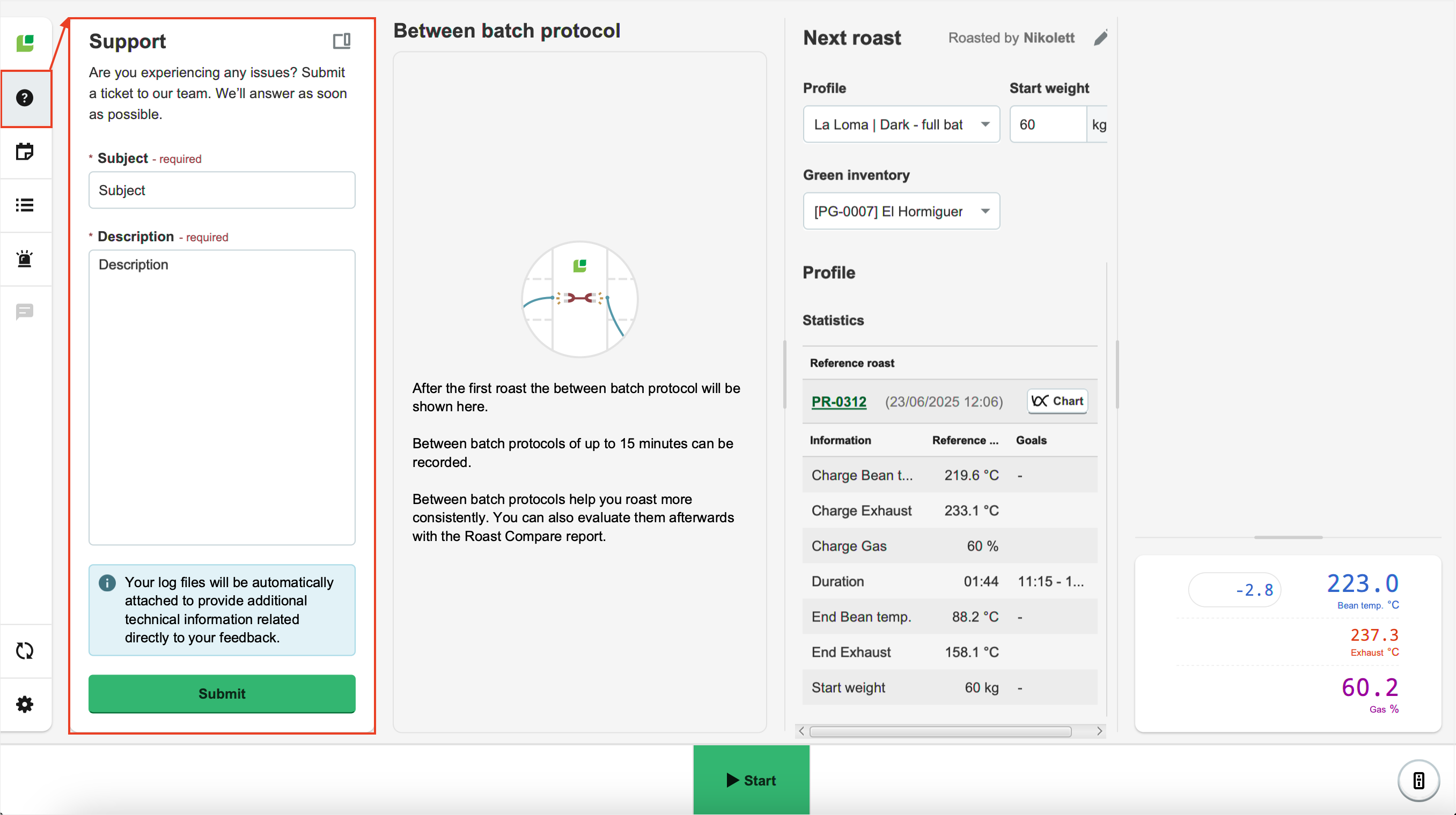
When you use the in-app support feature, your log files are included automatically:
- Close and reopen Roasting Intelligence.
-
Navigate to Support on the Menu sidebar.
-
Enter the following information:
* Indicates mandatory fields.- *Subject
- *Description: If you have previously contacted a Cropster employee, please mention their name in the description field.
- Click Submit.
If you have further questions, feedback, or concerns, please submit a support ticket directly from support.cropster.com.