Creating Stations

Table of Contents
Overview
This article explains how to add new, edit, and delete Stations for Cropster Cafe. Stations group equipment commonly used together for brewing, such as grinders, espresso machines, and scales.
With Stations, you can:
- Organize equipment used together for brewing.
- Assign a Reference Brew per station for a Recipe.

Best Practices
Create a separate Station for each brewing method (like Espresso, Manual, or Batch), ensuring you group the corresponding equipment; for locations with multiple espresso or filter brewers, designate a unique station for each one.
Manual brews logged on a mixed station (manual and espresso equipment) will appear on the espresso machine's detail page.
Instructions
Creating new Stations
- Log in to the online platform C-sar.
- Navigate Cafe > Assets > Stations.
-
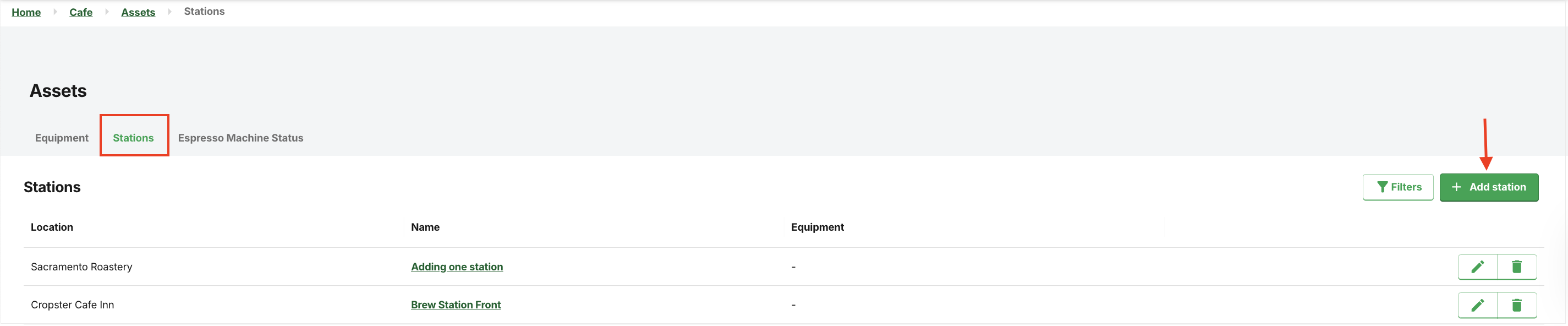
Click Add station.
-
Enter the following details:
* Indicates mandatory fields.- Name
- *Location
- Click Create station.
Using filters on the Stations tab
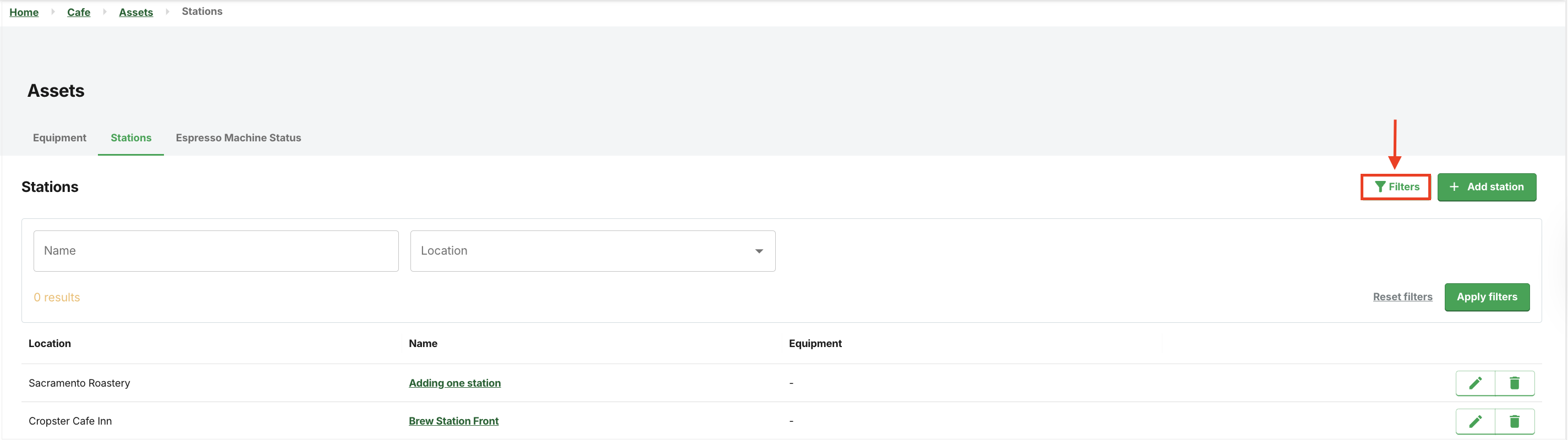
To refine the search on the Stations tab, simply click on the Filters button to display the filter selection:
- Name
- Locations
Editing Stations
You cannot change the location of a Station.
- Log in to the online platform C-sar.
- Navigate Cafe > Assets > Stations tab.
-
Click the
-png-1.webp) Edit button on the right.
Edit button on the right.
-
You can modify the following details:
- *Name
- Equipment
- Click Update station to save changes.
Deleting Stations
This action is irreversible: deleting a Station permanently removes it and cannot be recovered.
- Log in to the online platform C-sar.
- Navigate Cafe > Assets > Stations tab.
-
Locate the station to delete and click the
.png) Delete button on the right.
Delete button on the right.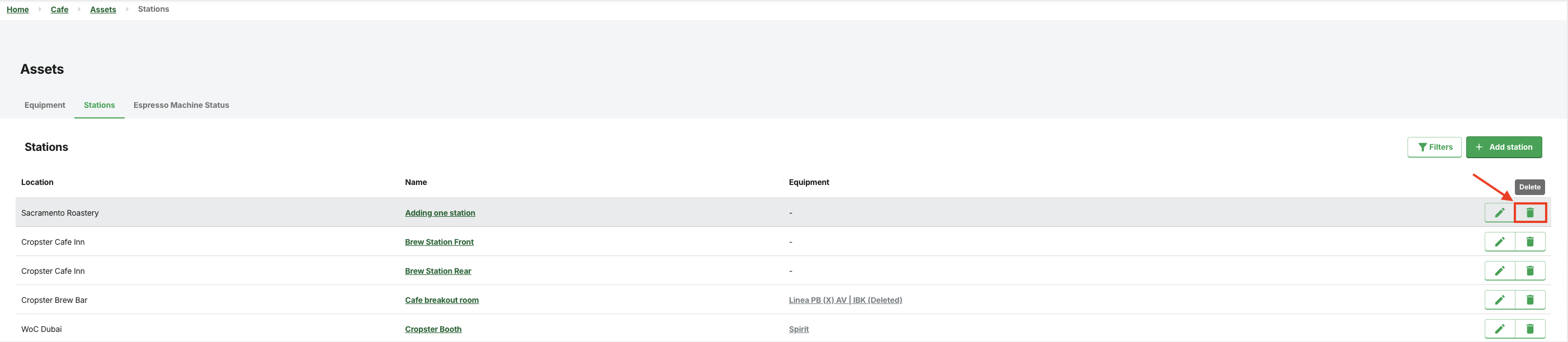
- A warning will display: "Are you sure you want to delete this equipment permanently?" Click Delete to proceed.
- The station will be deleted shortly.